
Philippine nuclear agency hacked through an old flaw
An attacker took files from a nuclear agency and a Navy contractor through flaws disclosed in 2023 and 2024. What to patch, and where keys belong.
Published · 4 min read
On 26 August the threat-intelligence firm Hunt.io published what it had found on an attacker's server: files taken from a Philippine nuclear research body, and from a marine engineering and shipbuilding company that provides services to the Philippine Navy. Neither intrusion needed anything new. The nuclear body's ownCloud file share was entered through a flaw disclosed in November 2023, and the contractor's WordPress site through a plugin flaw fixed in August 2024 and a guessed password. For any office with a website or a shared drive online, the lesson is in those dates.
Hunt.io found the server, in Amsterdam, on 13 August, its folder open to anyone and holding the operator's scripts and logs. A CSV file on it refers to roughly 9 GB taken from the nuclear body, and 176 of its files, 372 MB, sat in five staging folders: reactor operations and radiation safety documents, draft strategic and IT plans, and staff records including personal data sheets, passport-related documents and foreign travel records. A subfolder named KEYS held a KeePass password database, AxCrypt-encrypted files and a BitLocker recovery key saved as a PDF. From the contractor came 195 MB: the whole WordPress site, its media library and a database dump with every user's hashed password.
Hunt.io judges the operator likely to be a Chinese speaker, from the Simplified Chinese in its code comments, logs and folder names, and names no group. It gave its findings to CERT-PH, the national computer emergency response team, which coordinated notifying the affected organisations. On 27 August the US Cybersecurity and Infrastructure Security Agency added the ownCloud flaw to its catalogue of vulnerabilities known to be exploited.
Fixes that had been public for years
ownCloud's advisory of 21 November 2023 scored its flaw 9.8 out of 10: anyone who knew a username could read, change or delete that person's files without a password where no signing key had been set, which was the default. The LiteSpeed Cache plugin, on more than five million sites in 2024, let any visitor make themselves an administrator until version 6.4, released on 13 August 2024. The contractor's site also fell to an older trick: a well-known list of leaked passwords, tried against an account named admin. Systems like these are set up once and left, facing the internet on whatever version they were installed with until somebody updates them.
Keys kept next to the files they protect
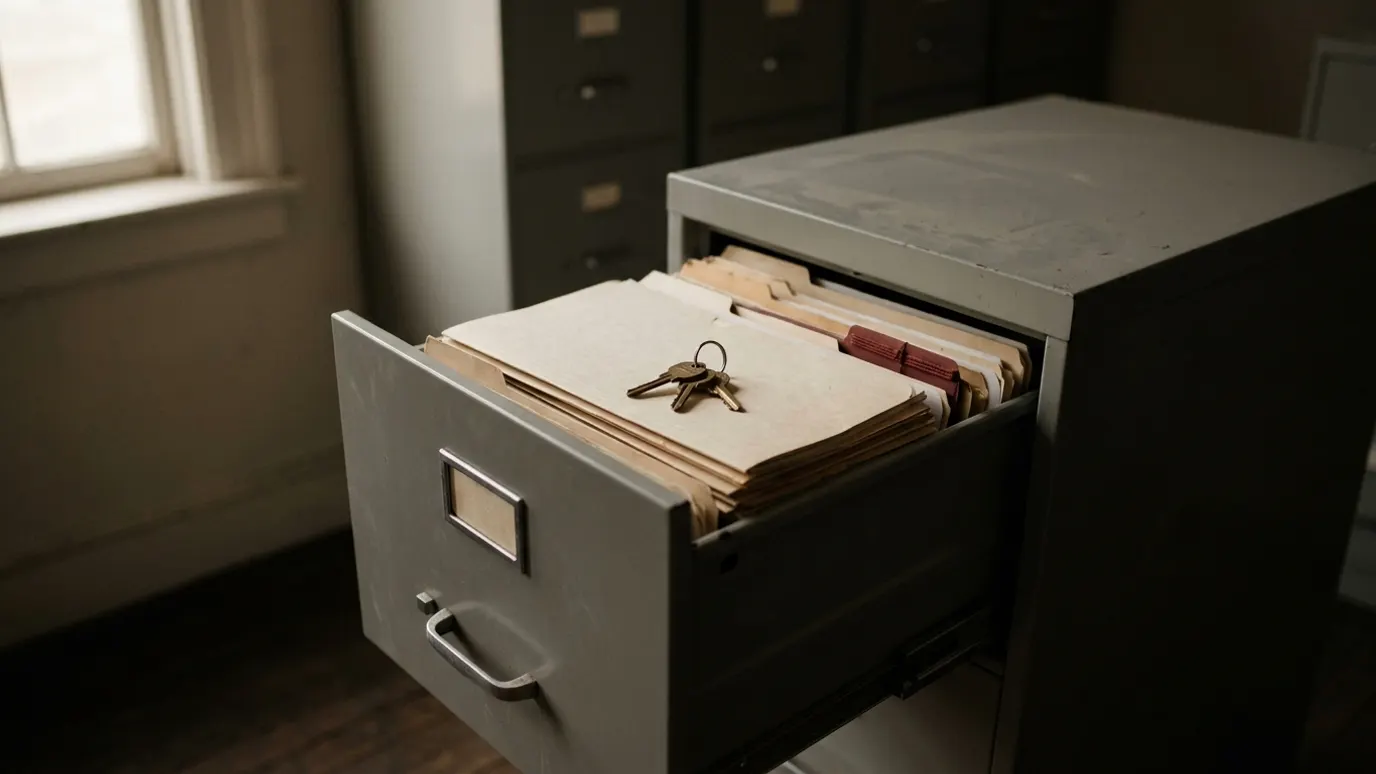
The detail I would act on first is the folder named KEYS. A stolen password vault can be attacked offline for as long as the thief likes, with no lockout. A BitLocker recovery key is worse. Microsoft's own guidance is that whoever holds one can open the drive and read all of it, so it belongs somewhere secure and separate from the devices it protects, and for managed computers Microsoft recommends Entra ID or Active Directory. In a file share that faces the internet, a key protects nothing once the share is open.
What I would ask whoever runs your servers
Laravel, part of my own stack, is PHP like ownCloud and WordPress, and the language is not the issue. A framework, a plugin and a file server all stay current the same way, by someone deciding to update them. I would want it in writing before go-live: who applies security updates once the builder has gone, how soon after a fix is published, and where you can see the date of the last one.
Five checks for anything that faces the internet
- List every system reachable from outside: the website and each plugin, the file share staff use from home, the old portal nobody switched off. What is not on the list does not get patched.
- Give each one an owner and a deadline for security fixes, days rather than months for anything rated critical.
- Check settings as well as versions. The ownCloud flaw worked where no signing key had been set, as on a new installation.
- Turn off what you do not use. Hunt.io advises disabling WordPress's XML-RPC where a site does not need it, and strong, unique passwords with multi-factor authentication for every administrator. No account should be called admin.
- Move password vaults and recovery keys off any share the internet can reach, and BitLocker keys into the directory that manages your computers.
If something on that list has no owner because nobody remembers who set it up, the fit check is a short way to decide whether to update it, move it or switch it off.
Sources
- Hunt.io, Philippine Nuclear Agency and Naval Contractor Targeted by Suspected Chinese-Speaking Operator Using Known Vulnerabilities, 26 August 2026
- ownCloud, WebDAV Api Authentication Bypass using Pre-Signed URLs, 21 November 2023
- Patchstack, Critical Privilege Escalation in LiteSpeed Cache Plugin Affecting 5+ Million Sites, 21 August 2024
- Cybersecurity and Infrastructure Security Agency, CISA Adds Three Known Exploited Vulnerabilities to Catalog, 27 August 2026
- Microsoft Learn, BitLocker recovery overview
Enrique Lacambra III builds internal business systems from Cainta, Rizal.
Tell me what is broken and I will tell you if it is worth building. A 20-minute call, no charge, and I will say so if you do not need me.